 Then we should go to sculpt tool and distort it slightly using drag tool: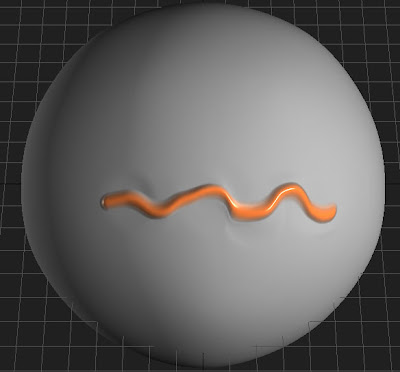
Then we should enter into low-poly mode. What will you see?
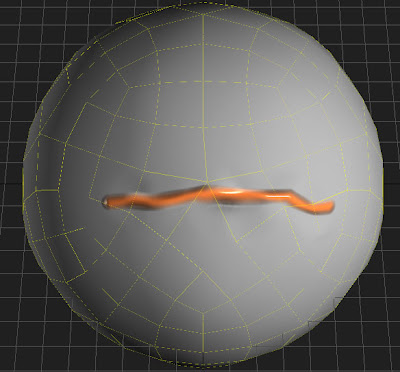
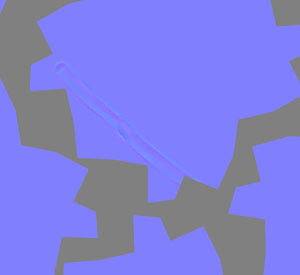
It is because you have distorted geometry, but texture is not distorted, so mesh looks improperly in low-poly mode. In thins case baking tool can help you. You should project new high-poly distorted mesh onto low-poly mesh. In this way you will get distorted textures. Please compare the result of usual export of normalmap texture with result of baking tool:
Simple export result:
Baking tool result:
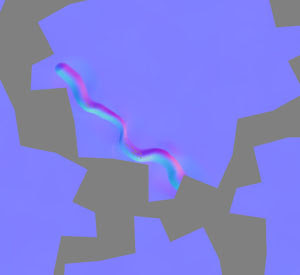 The differene is obvious - you have got the correct normal map using baking tool. The options for taking that normalmap are below:
[x] Use current low-poly mesh...
[ ] Use original positions ...
[ ] Smooth mesh
The options should be other if you need displacement:
[x] Use current low poly mesh
[ ] Use original positions...
[x] Smooth mesh
[x] Preserve positions ...
But the result will be better if you don't need displacement and need only normalmap. It is because of getting displacement is not trivial operation and mesh should be smoothed before. It is required because the displacement is difference between mesh and smoothed surface. I think that simple example shows you why baking tool is so important.


 To get displacement map you should set "Smooth" option because displacement is calculated like difference between object in scene and smoothed input mesh. If you want to project on current mesh you should check option "Use current low poly mesh...". In this case it is better to check options "Use original positions..." and "Smooth mesh" if you want to get displacement and uncheck them if you want only normalmap.
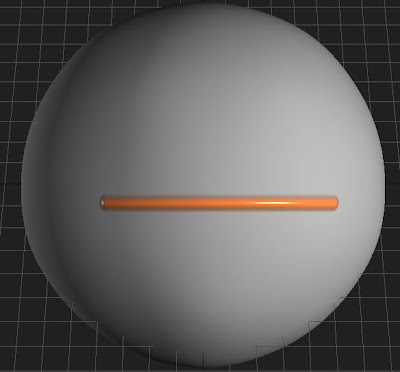
 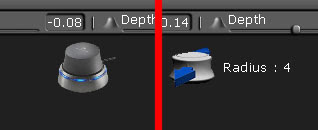 The right picture shows what will happen if you will push the ball forward. In so way you can change: